Everything
behind the shift.

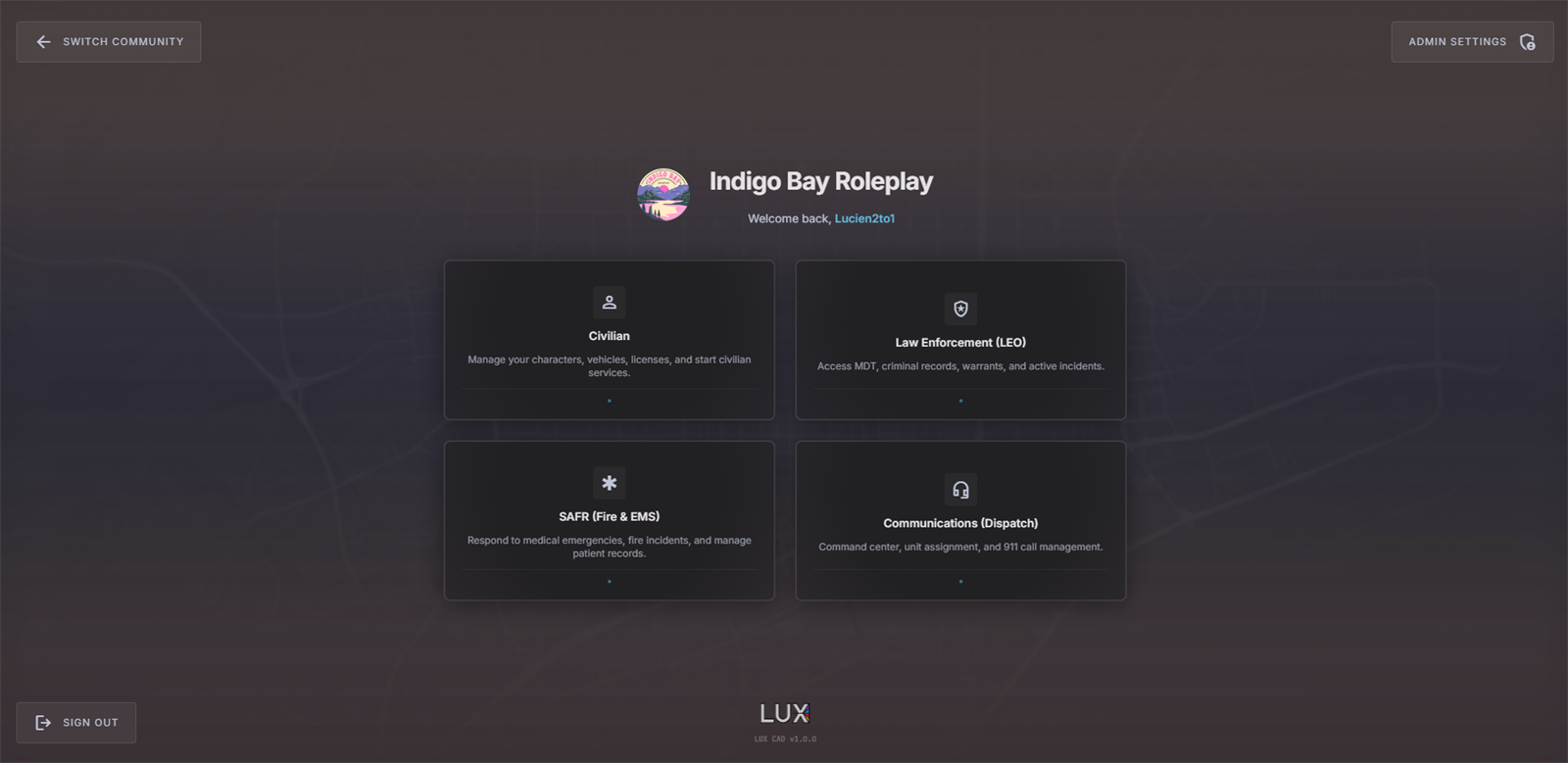
Your players see a dispatch console. You see the thing that has to be set up, handed over, moderated and integrated.

Every setting below is documented · No config files to edit

There is no user list to maintain.

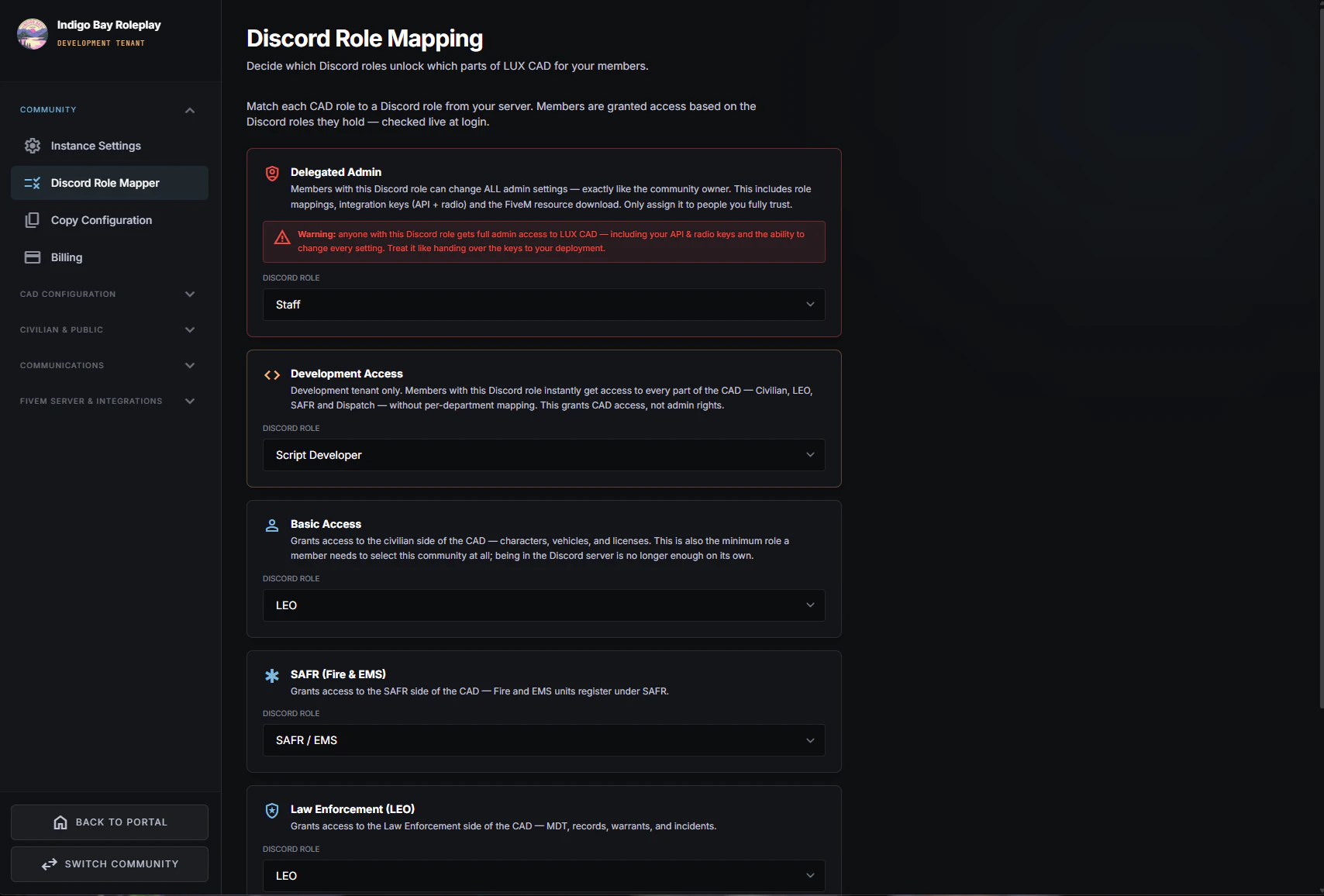
LUX has no accounts of its own. Who can open the LEO terminal, who can dispatch, who can change settings — all of it is read live from the Discord roles you already hand out.

That means onboarding a new officer is giving them a role, and removing one is taking it away. Nothing to provision, nothing to revoke by hand, no orphaned logins left behind when someone leaves the community.

The Discord Role Mapper, documented arrow_forward

  • check_circleMap roles to departments. Point your existing roles at CAD agencies and permissions.
  • check_circleLose the role, lose access. Enforced live — leaving the Discord server ends CAD access too.
  • check_circleDelegated admins. Hand admin rights to trusted staff through a role, not by sharing your account.
  • check_circleNo passwords anywhere. Nothing to reset, nothing to leak, for you or your players.
The admin dashboard

You decide what your community actually is — its laws, its departments, its codes, its paperwork.

apartment

Departments & special units

The agencies and sub-departments a unit can sign on as, and the special assignments they can hold.

toggle_on

Unit status codes

The 10-codes your units press and the colours dispatch reads. The setting with the widest blast radius.

gavel

Penal code

Your laws: what can be charged, what it costs and how long it carries. Officers search this list.

crisis_alert

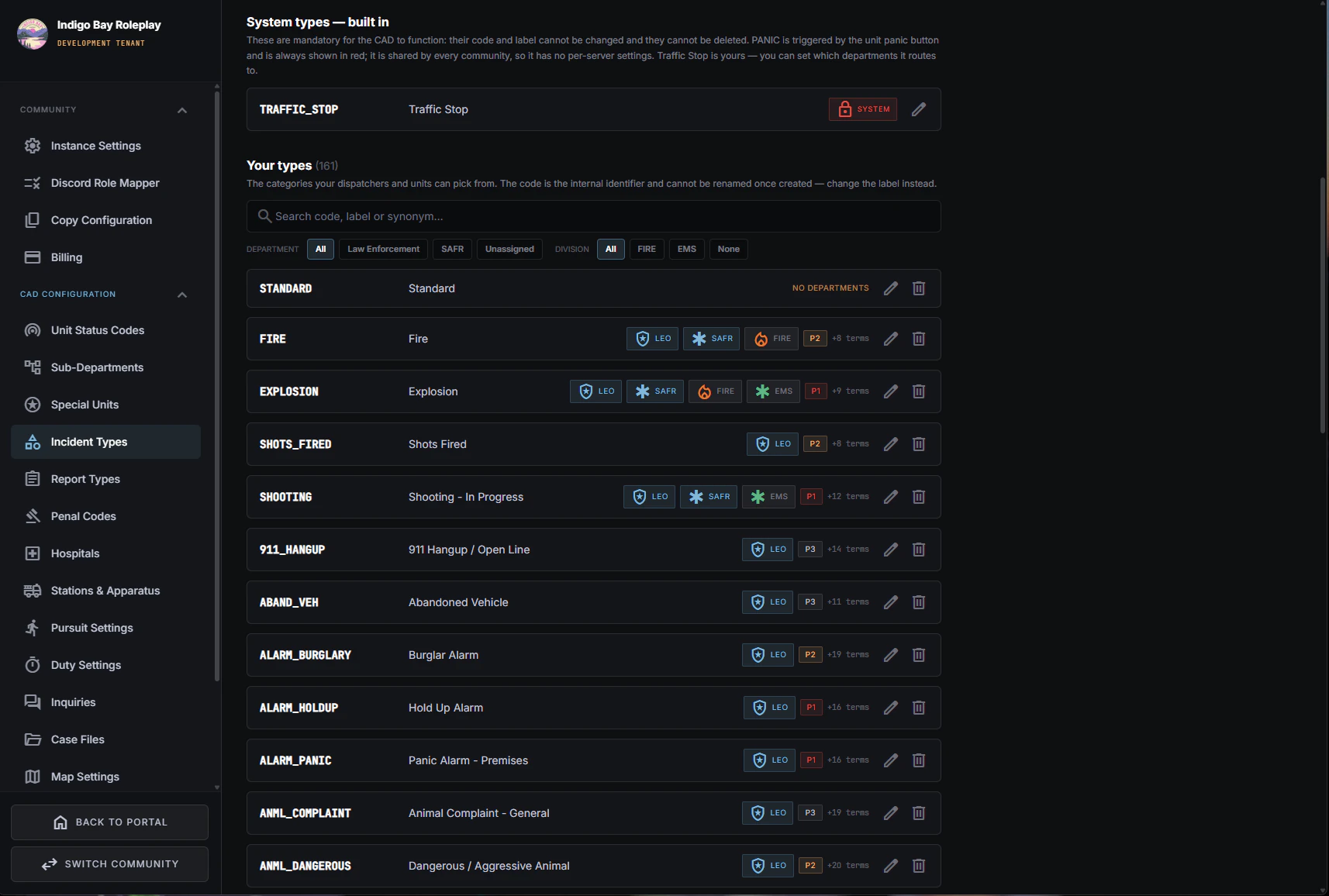
Incident types

What a call can be — and how each type is labelled, coloured and prioritised in the queue.

map

Map settings & postals

Which map surfaces you show, and the postal list everyone uses to say where they are.

settings_voice

Radio channels & tones

The channel structure and your own dispatch tones, uploaded and played to a channel.

speed

Pursuit settings

Two numbers: how long a pursuit runs before the PIT timer expires, and before the spike timer does.

fire_truck

Stations & apparatus

Your stations and the trucks they can deploy, for Station Mode: sign on at a station and the apparatus becomes the callsign.

description

Report types

Which department may read or write each kind of report, from arrests and citations to patient care reports.

contact_support

Inquiries

Whether officers can ask the public about an incident, and how civilians are notified and answer.

local_hospital

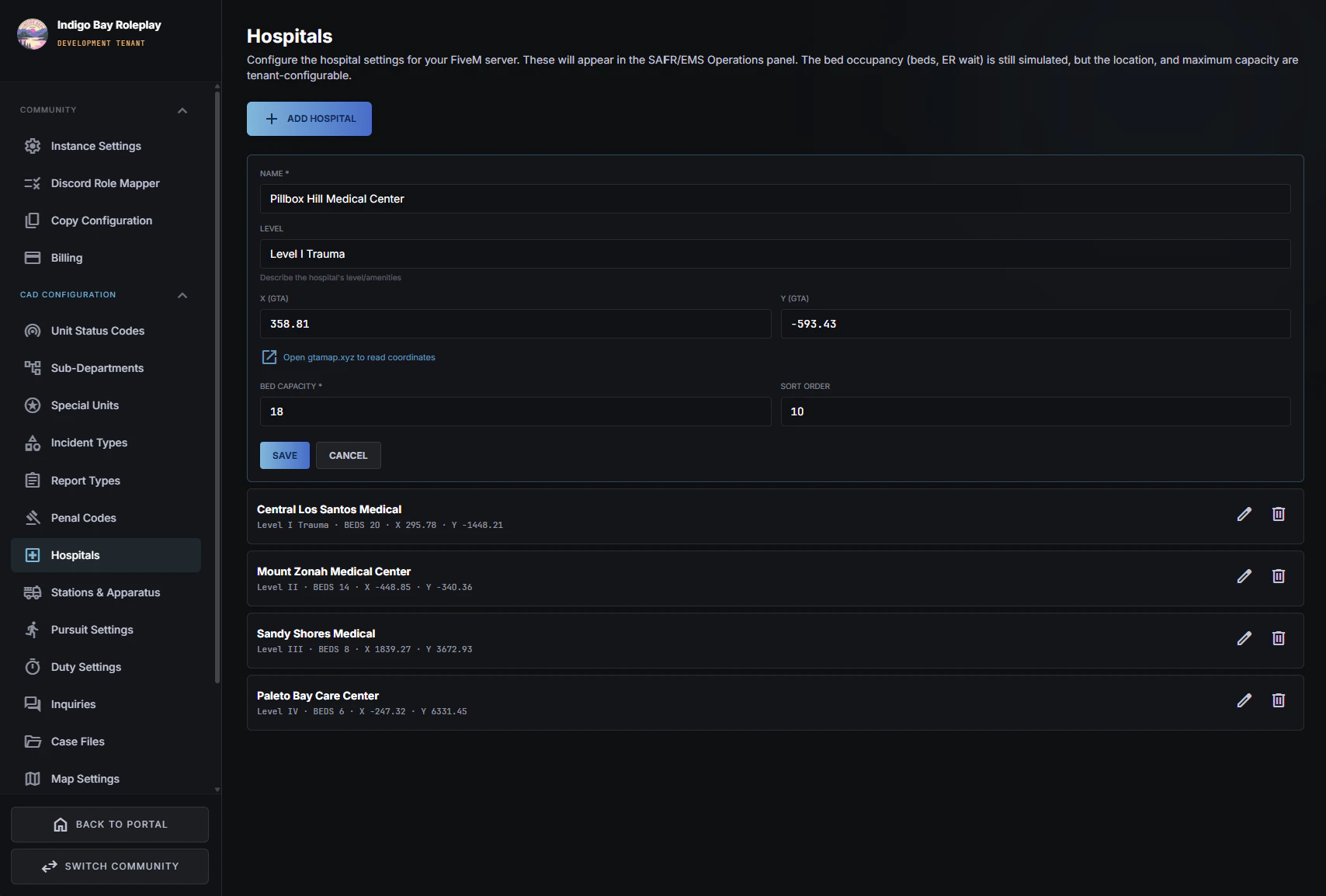
Hospitals

Where SAFR can transport, with the capacity numbers crews read before choosing one.

badge

ID & document templates

The look of every official card you issue — State ID, medical ID, licences.

handyman

Civilian services

Which player-run jobs exist — tow, mechanic, taxi, lawyer, press — and what each one can do.

smartphone

Phone system

Whether your community has phone numbers at all, and where they come from.

photo_camera

ALPR & plate reader

What the in-car reader alarms on, and how much of it each officer wants to hear.

videocam

Bodycam

Live streaming for on-duty units, and who can open a camera from the unit menu.

visibility

Witness & server controls

The witness system's realism settings, and the live switches that sit over them.

dashboard

Dashboard overview

How the whole dashboard fits together, and which setting to reach for first.

Moderation you can do from the seat.

A switch that has to be thrown now, on a console someone is already sitting at.

Server controls, documented arrow_forward

toggle_on

Live switches on the console

Turn the witness system, civilian 311 intake and live 911/311 routing on or off mid-shift, without opening admin settings or finding an owner.

how_to_reg

One duty session per person

Enforced by the system, so nobody is signed on as two units and the unit list never drifts away from what is actually out there.

history

Automatic activity logs

Calls, status changes and actions are logged as they happen, so a dispute after the fact has a record to settle it rather than two accounts of the same scene.

shield_person

Access ends with the role

Removing someone is removing a Discord role. There is no separate ban list to keep in sync, and no login left working after they leave.

A documented API, on your own key.

If your community writes its own scripts, LUX is open to them. A REST API reads and writes live CAD data scoped to your community, so your bots, panels and in-game resources work from the same state your dispatchers see.

  • check_circleUnits, statuses & pursuits
  • check_circleCalls & call logs
  • check_circleReports & court dates
  • check_circleCharacters & vehicles
  • check_circleCivilian services & news
  • keyOne key per community. Scoped to you; another community's data is unreachable by design.
  • speed200 requests a minute, across all endpoints, on a sliding window. Every response tells you what's left.
  • codeWorked examples included — the docs carry a runnable example per endpoint.

Read the API reference arrow_forward

Request it in Discord, and it arrives ready to run.

Ask for LUX in our Discord and we open your network. You then download a CAD package built for your community from the admin dashboard, with your key already in it. Drop it into resources, add one line to server.cfg and restart, then connect through Discord to name your community and map your roles.

From there you are setting up and playing — there is no hand-editing of config files, and no developer needed to keep it current.

Once it's running, point your players to /cad or the Open CAD tablet keybind, which each player binds to a key of their choice. Don't add an in-game browser resource for LUX, and ask players not to open it in one: it won't work properly and will cause performance issues. The user handbook walks them through it.

lock
Your community is isolated at the database. Not filtered in the UI — separated underneath, so one community can never read another's data, staff or settings. How we handle your data.

Set it up in an evening.

Start with 14 days free. Our team is right there in Discord to help while you set up your departments, status codes and roles exactly the way you want them.